Let me align this dropdown icon so it stays consistent with the preview-arrow.
A developer speaking during a code review, making sure the UI elements follow the same design rules.
Vibe: UI/UX & Technical Specs
To match the visual style, placement, or interactive behavior of an element with the 'preview-arrow' component.
Make sure this icon stays consistent with the preview-arrow.
You picture a front-end developer adjusting a button's margin, hover effect, and color in Figma so it matches the existing preview-arrow seamlessly.
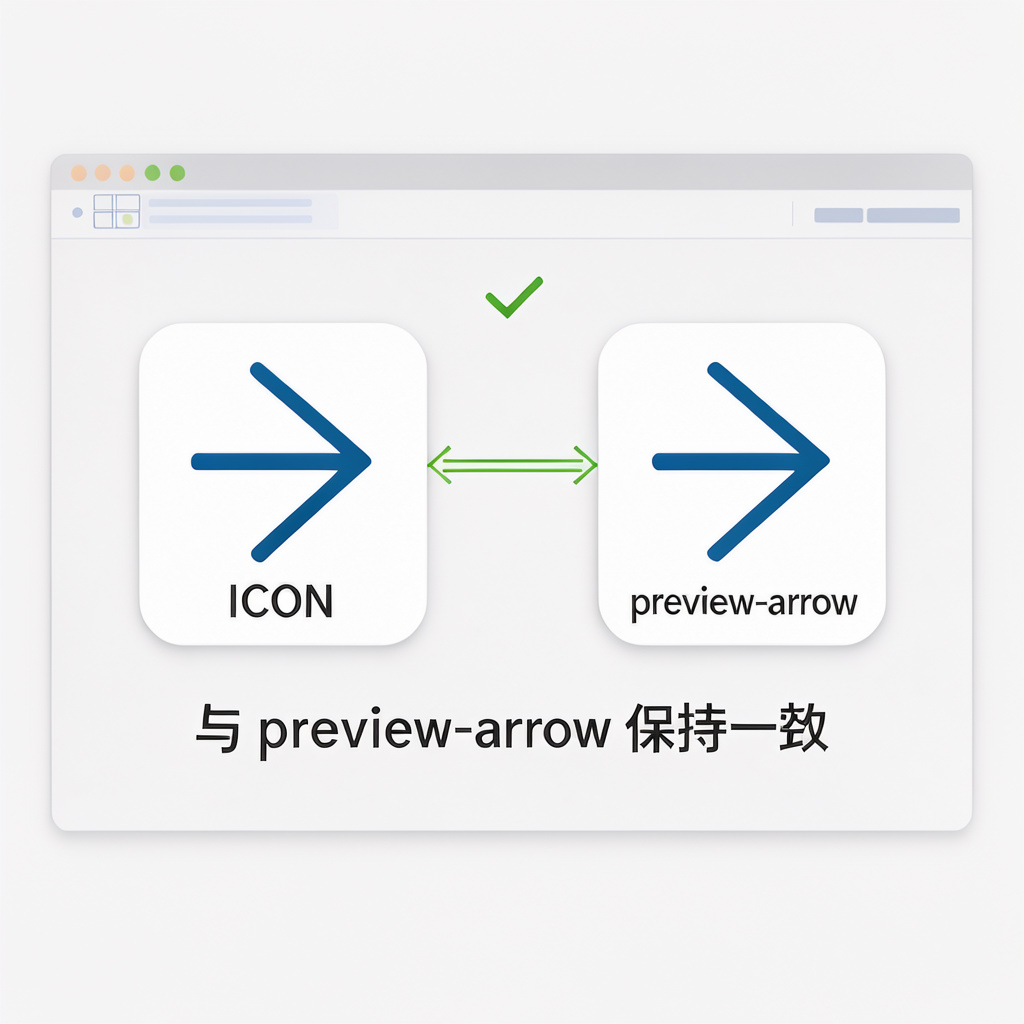
Let me align this dropdown icon so it stays consistent with the preview-arrow.
A developer speaking during a code review, making sure the UI elements follow the same design rules.
We need to make sure the hover animation is consistent with the preview-arrow.
A UX designer giving feedback to ensure user interactions feel unified across the app.
In software and product design, 'keeping consistent with' implies adopting the exact same visual properties (color, spacing, size) and interactive behavior (animations, triggers) so the UI doesn't feel mismatched.